Personal · Family · Team
Fly through your tasks.
Task management for your own list, your family, or a small team.
Shared lists and a Today view, plus repeating work, reminders, and capture by typing, voice, or photo. Advanced features include Helper Pass, Remember, Search, Circles, and more.
Free to start · Personal, family, or team
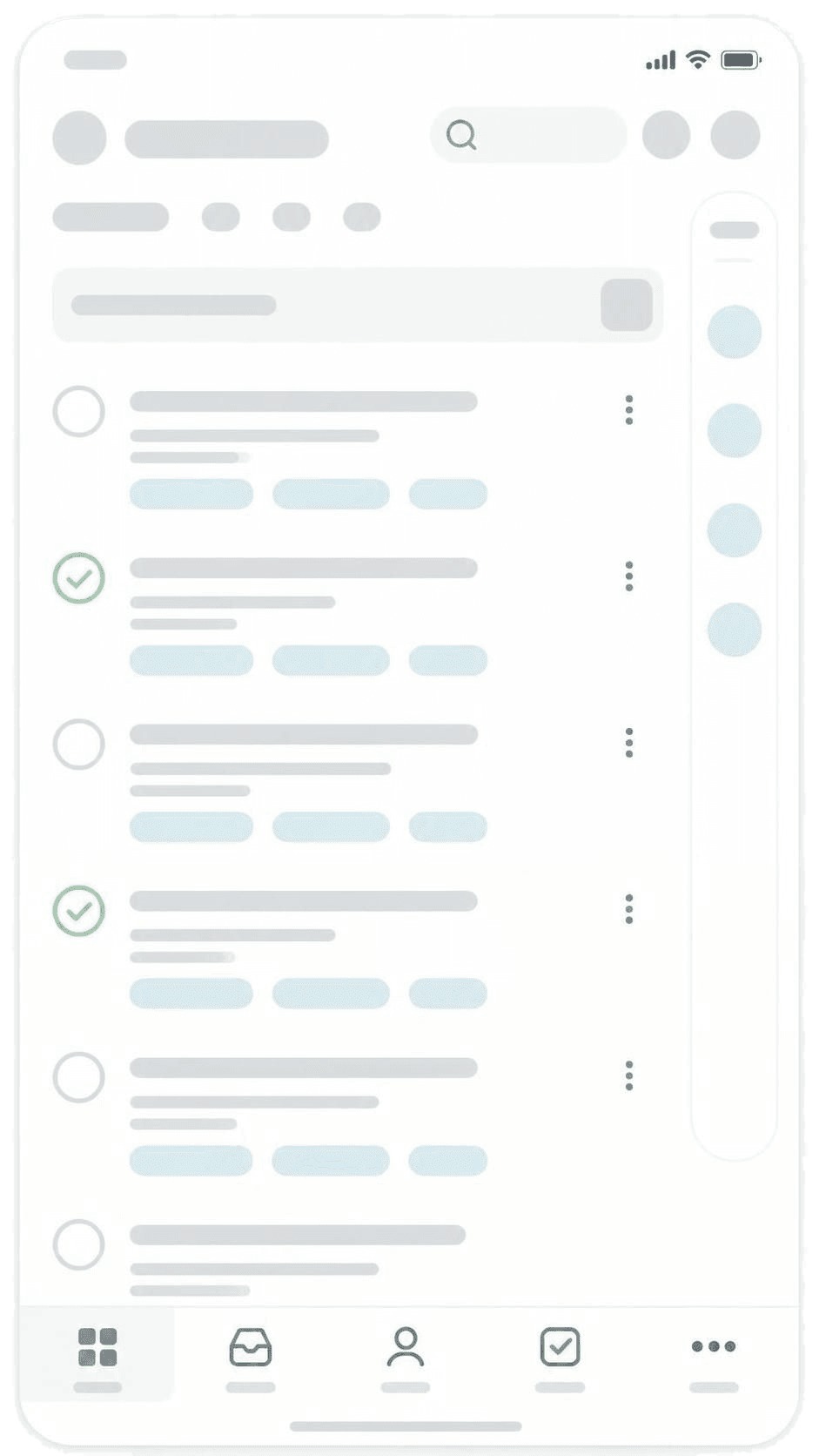
Tasks
One list for the household
Write chores down, sort who owns them in Inbox, and check them off on Today. Recurring items come back on their own.
Inbox is empty.
Household
Inbox
Nothing waiting. Tap + to add a chore.
Hover to pause. Add, sort Inbox, then finish on every device.
Shared lists
Groceries, chores, and school reminders in one place — not buried in chat. Keep a private list when you need one.
What’s due today
Today shows what needs to be done today. Everyone on the list sees the same board.
Chores that come back
Trash night, laundry, school bags — set once. They return on schedule, and reminders can ping your phone.
Capture and assign
Add tasks by typing, speaking, or snapping a photo — including due dates and reminders in the same line. Assign them, or leave them open for whoever can take them.
Smart add
Type the due date. Get the reminder.
Add a task the way you'd say it — due tomorrow at 5pm, remind me Friday morning, or everyday. FamiFly picks up the due date and reminder in one line, so you skip the menus.
- One field — write the task and the schedule together.
- Due date set — tomorrow, Tuesday, or a time like 5:30pm.
- Reminder ready — so it finds you when it matters.
Helper Pass
Hand off today's jobs — no signup
Put a link or QR on the fridge. The sitter, walker, or day helper opens it, checks off today's list, and you know it happened. They never need an account.
Remember
Keep the bits you’d otherwise forget
A name at pickup. Where you parked. A thought you might need later. The Remember feature is for those small, important bits — not a full notes app. Save it now, find it when it matters.
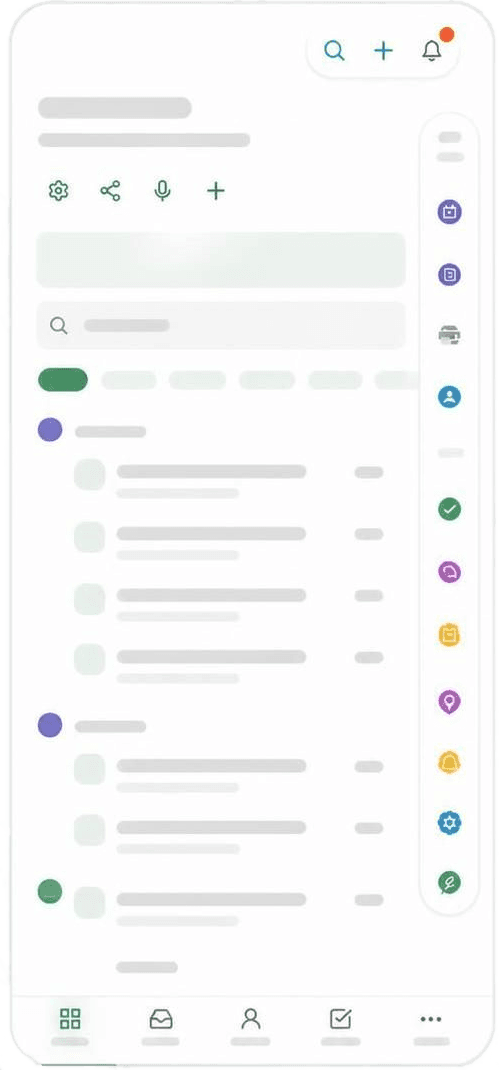
Search
Find it even when the words don’t match
Open Search from the magnifying glass or press ⌘K / Ctrl+K. Exact wording still comes first. Then semantic matches fill in chores, Remember bits, Guides, and Scenarios that mean the same thing.
- Tasks. “take out trash” still finds “Bins to the curb”.
- Remember. “where I parked” still finds “Level B2, by the elevators”.
- Guides and more. How-tos and what-if cards show up beside the work.
Keyword-only is a toggle under Settings → Search if you want exact words only.
Search example
Household
Search
Tasks, lists, Remember, guides…
Try a name, list, person, or due date.
Hover to pause. Keyword matches highlight. Related matches are meaning, not the same words.
Built for how home actually runs
For households, small teams, and the helpers who pitch in.
Search that understands you
Reminders that find you
Family, groups, and Circles
Your space, not a public board
On your home screen
Help when you need it
Simple plans for the household
One plan for the whole household, not per person. Cancel anytime. Upgrade when you need more seats, storage, or Helper Pass.
Family Helper
Run the household with some extra help.
…
Cancel anytime
Includes everything in Family.
| Feature | Free | Family | Helper |
|---|
Paid plans cancel anytime. Hitting Free limits prompts an upgrade. Your lists stay until you delete them. Delete your account and data anytime from Settings. Privacy · Terms
Have a coupon? Apply it at checkout under Settings → Plan. Questions? care@famifly.com
What's new
A few recent improvements — then the full notes if you want them.
Common questions
What it is, Helper Pass, Remember, and how to reach us.
What is FamiFly Tasks?
What is a Helper Pass?
What is Remember?
Can I delete my account and data?
How do I contact support?
A real person, in the app
Open a ticket in Customer Support, attach a screenshot if it helps, and follow the replies in one place.
Typical reply times: Free 3–5 days · Family & Helper 6–12 hours
Prefer email? care@famifly.com
Ready to fly through your tasks?
Organize personal, family, and team work — lists, Today, reminders, Helper Pass, and Remember.
Free to start · Delete account and data anytime · Helpers don’t need an account
Lists and memories stay in your household space. We don't sell your data. Delete your account and data anytime from Settings. Privacy Policy